Bring a Missing Family Member Into Your Wedding Photo
Create a wedding image that includes a family member who could not be there by combining separate photos into one natural scene.
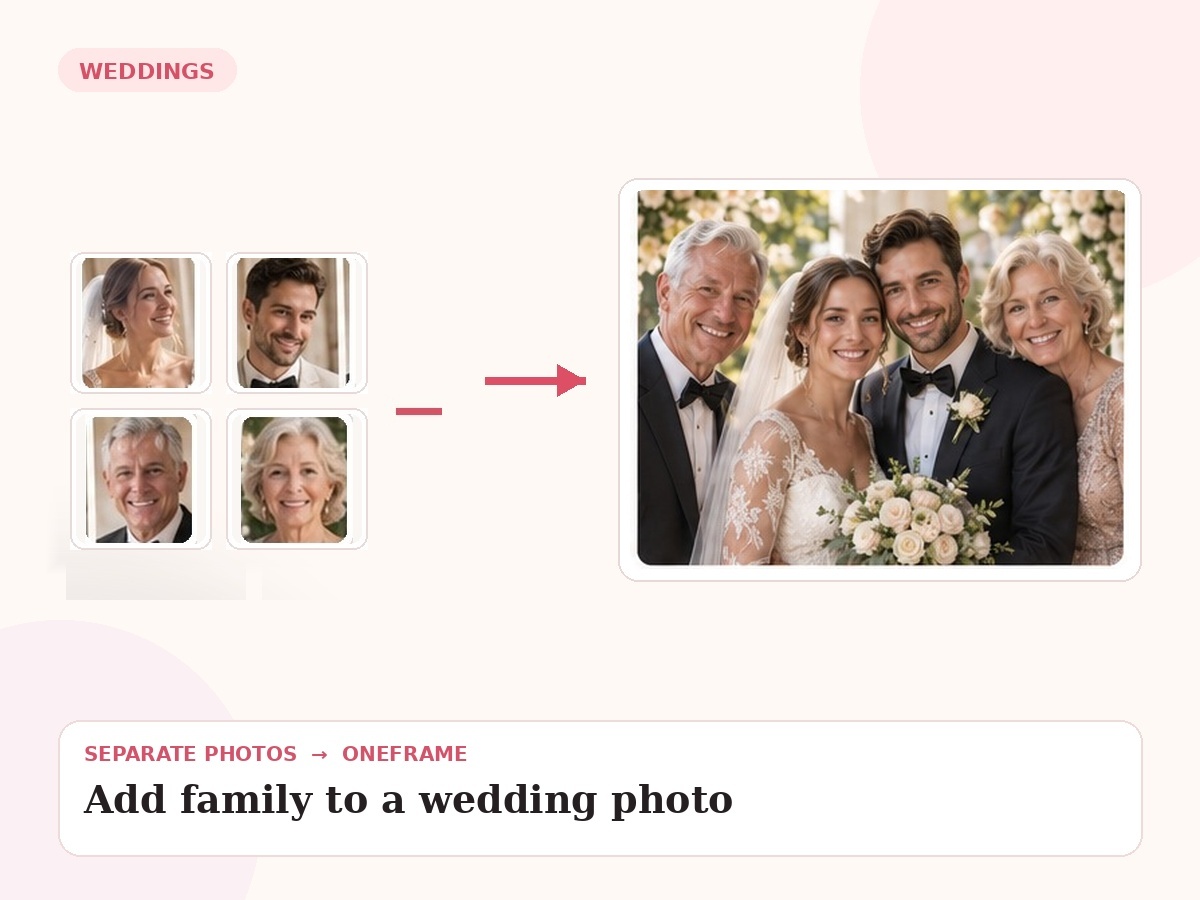
Why this use case matters
Wedding imagery has extra visual constraints: formal clothing, relative height, bouquet placement, venue light and the emotional focus of the couple all need to remain coherent.
People also search for related needs such as add person to wedding photo, add missing family member to wedding picture, include family member in wedding photo. OneFrame keeps the workflow simple: the source photos can be separate, the final portrait is created as one cohesive image, and you review a watermarked preview before paying.
Three ways people use OneFrame for this
These examples are specific to this search intent—not generic filler copied across every page.
A parent who missed the ceremony
Place a parent naturally beside the bride, groom or couple.
A sibling missing from the group
Re-create the family grouping so everybody important is present.
A complete formal portrait
Build a polished family wedding portrait from several individual references.
Designed to look like one moment, not a collage.
Wedding-specific high-emotion editing need. The final image is guided by your source photos and your instructions about relationships, setting, placement and mood.
How it works
Upload references
Add clear photos and label who is who.
Describe the moment
Tell us the scene, relationship, pose or detail that matters.
We create the portrait
Your separate references are composed into one new image.
Preview before paying
Review a watermarked preview; buy only if you want the final.
Photo tips for this use case
Upload the highest-resolution wedding photo you have.
Include a clear reference of the missing family member.
Tell us whether formalwear should match the wedding palette.
Describe the preferred placement: beside the couple, seated, standing or slightly behind.
- 1 high-resolution portrait
- Up to 6 people or pets
- 2 revision rounds
- Digital delivery
Create My Wedding Photo
Choose any use case for inspiration, then use one shared creation page to upload 2–6 photos and describe the moment you want us to create.
Start my free preview →Frequently asked questions
Every answer is visible on the page so both visitors and search engines can understand the content without opening hidden panels.
Can the added person wear wedding-appropriate clothing?
Yes. We can aim for attire that fits the event.
Can I add more than one missing relative?
Yes, within the OneFrame upload limit.
Will the venue stay the same?
It can, especially when you provide a strong base wedding image.
Do I need permission to use the photos?
You should only upload photos you are permitted to use.